

Indicators That It’s Time to Upgrade Your Router
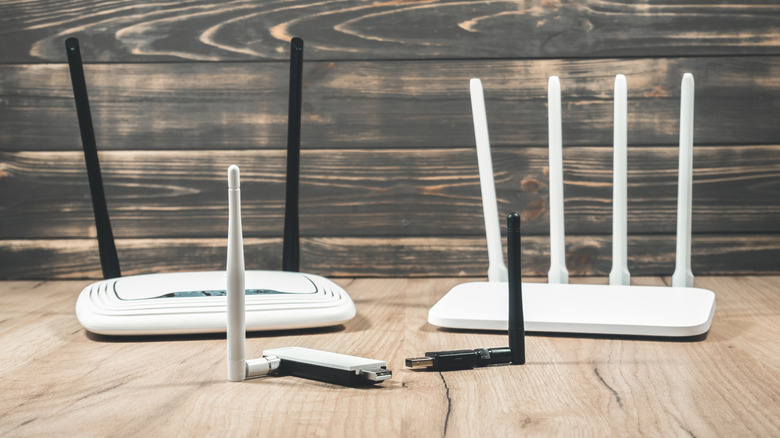
A router is often overlooked when it comes to upgrades, unlike other devices such as smartphones or laptops. Many users stick with the router provided by their Internet Service Provider (ISP) until issues like dropped video calls or slow downloads prompt them to consider a replacement.
However, slow Wi-Fi is not the only indicator that a router may need replacing. Users should evaluate several factors, including security updates and compatibility with new technology.
Your Router Has Stopped Receiving Updates
All internet-connected devices, including routers, require regular security updates. These updates are essential for maintaining the router’s software and protecting the network from vulnerabilities. Once a router reaches its end-of-life (EOL) status, it will no longer receive updates, leaving it susceptible to security risks.
Determining whether a router is still receiving firmware updates can be tricky. For ISP-issued routers, they are typically cycled out before reaching EOL. Users should check with their ISP to confirm. For self-installed routers, users can find the model number and hardware revision on the device label and search the manufacturer’s website for EOL status. Some manufacturers, like ASUS, maintain an EOL product list for reference.
If the last firmware update was released several years ago, it may indicate that the router is outdated. Users can also contact the manufacturer for clarification on update eligibility and support timelines.
Experiencing Slow Speeds and Disconnections
Users may notice signs of a failing router, such as frequent disconnections or slow speeds. Disconnections can stem from signal interference, which may be resolved by repositioning the router or changing channels. However, slow speeds can be diagnosed more easily.
To test the router’s performance, users can connect a PC or laptop directly via Ethernet and run a speed test. If the Ethernet connection is stable but Wi-Fi speeds are slow, the issue likely lies with the wireless connection. Additionally, the router’s placement can affect performance; obstructions like walls can weaken signals, necessitating a Wi-Fi extender or a mesh system for better coverage.
It’s also important to consider the internet connection itself. If the home connection is slow, even the best router won’t improve performance. Users should consult their ISP to rule out connection issues.
Your Devices Have Outgrown the Router
The age of the router is another critical factor. Older models may not support the latest Wi-Fi standards, such as Wi-Fi 6 or Wi-Fi 7, which offer significant speed and performance improvements. For example, Wi-Fi 7 can theoretically reach speeds of around 5.8Gbps, while older Wi-Fi 5 devices max out at around 867Mbps.
To maximize performance, both the router and connected devices must support the same technology. An outdated router can hinder the capabilities of modern devices. While there is no set expiration date for routers, if a device is slow and no longer receives updates, it may be time to consider a replacement.
Upgrading the router before it fails or becomes a security risk can enhance the overall network experience.
Source: Engadget