

Google Messages Tests Major Redesign with Pinned Chats and New Search Features
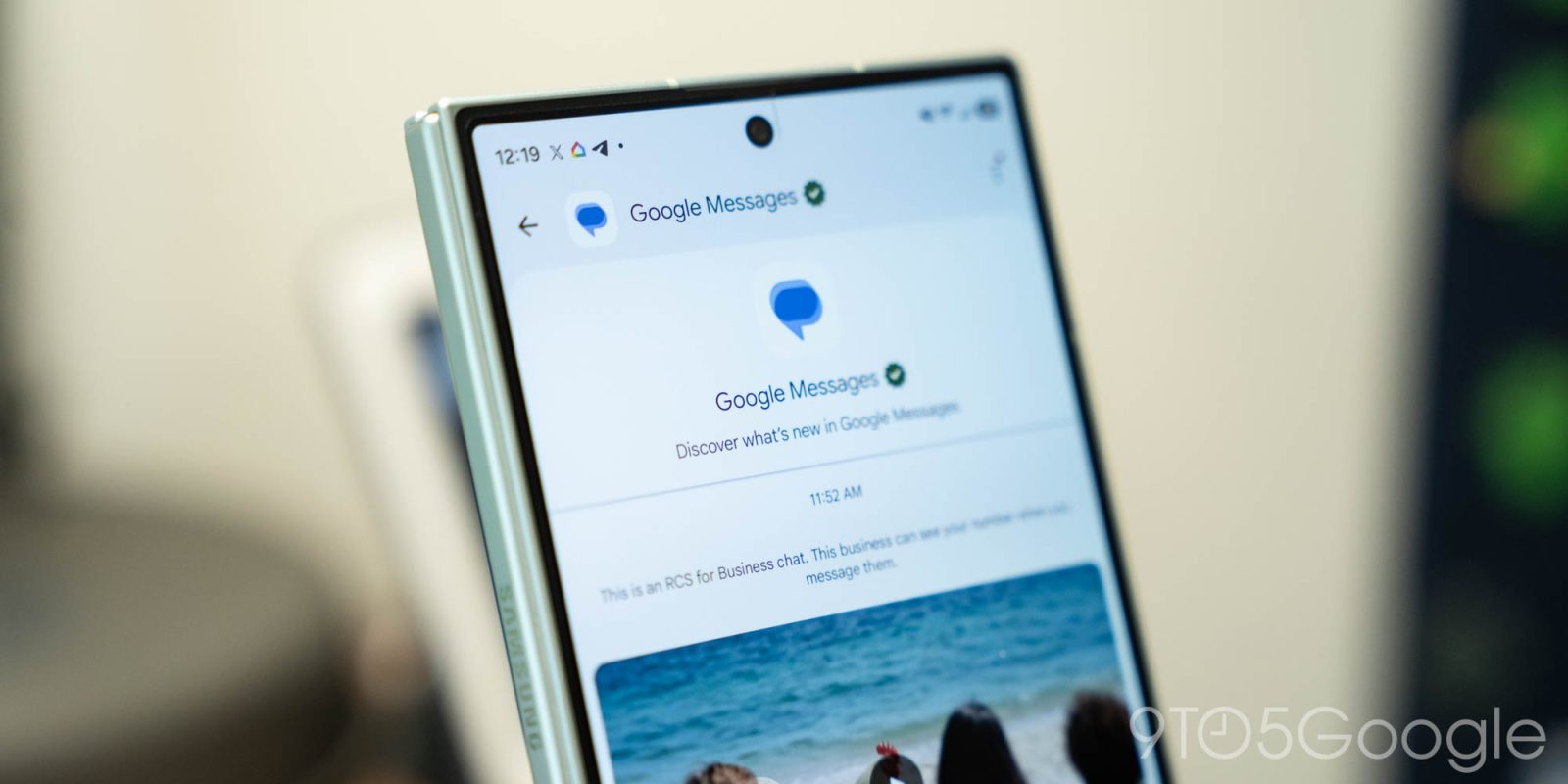
Google Messages for Android is testing a significant redesign of its homepage, introducing three main features aimed at enhancing user experience.
Pinned Chats
In the latest update, Google is elevating pinned chats above all other conversations. This redesign utilizes the existing background layer that currently hosts the logo, search, and account menu. Users will notice large contact photos appearing above all chats, which pushes the list of other conversations further down the page. However, similar to iMessage on iOS, this layout does not display any message history or last sent information.
Bottom Search
Another change being tested is the repositioning of the search function into a centered floating action button (FAB) alongside the new chat button. As users scroll down, they will see a pill-shaped button labeled “Search,” while the other button remains minimized. Additionally, a circular magnifying glass icon and the “Start chat” option will be visible in the pill. This animation enhances the interface’s liveliness and improves one-handed usability.
Corner Gemini Shortcut
Google has also replaced the Gemini FAB with a button located in the top-right corner next to the user’s profile image. This design aligns with the layout used by Workspace apps on both desktop and mobile platforms.
These updates are currently being rolled out in the beta channel and have not yet reached all testers. Some users have access to all aspects of the redesign, while others may receive the components in a staggered manner.
Source: 9to5Google