

Latest Gemini design comes to all Android devices, app upgrades file generation
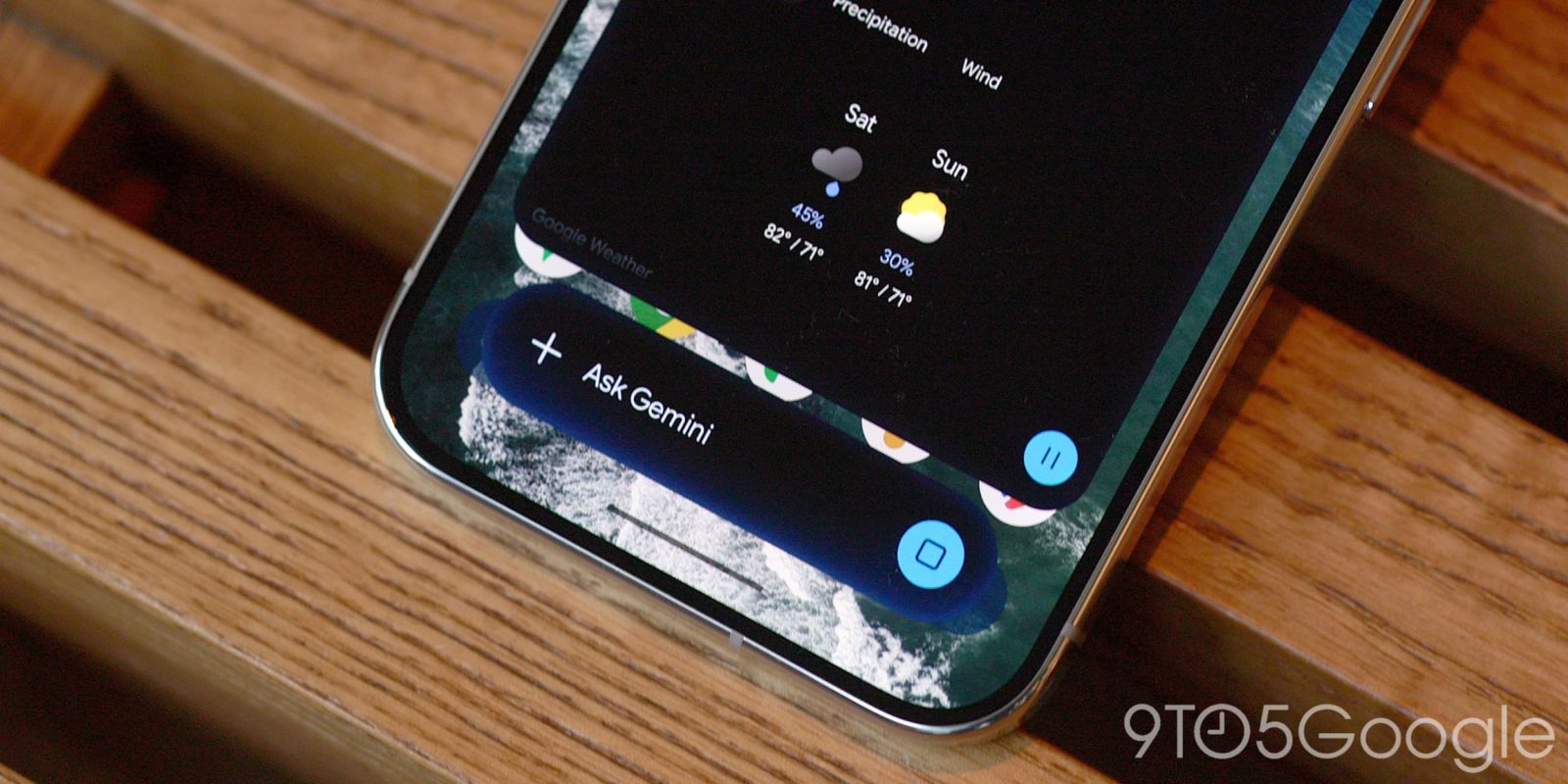
A pair of updates for the Gemini app has introduced a new design for all Android devices, along with significant improvements in file generation capabilities.
The latest Gemini overlay design features a heavy blur effect over the bar, making the boundaries of the pill shape less distinct. The updated design, which includes more colorful specks and swirls, was first seen on devices with Gemini Intelligence, such as the Pixel 11, and is now available on all other compatible devices. Users may need to force stop the Google app to access the new design.
In addition to the design changes, the Gemini app now allows users to generate, preview, and edit files directly within chats. Users can create text documents, presentations, or spreadsheets on specific topics and view them inline. Sections can be highlighted for edits or questions.
- Generate and refine slide decks: Users can create presentation outlines or slide content, preview the layout in chat, and edit directly or request adjustments in tone and structure before exporting to Google Slides or downloading as a PPTX or PDF.
- Build and export Google Sheets: The app enables the creation of structured trackers, tables, and data models from prompts, which can be previewed in Gemini and opened directly in Google Sheets.
- Edit documents and PDFs: Users can draft PDFs, Google Docs, LaTeX, Markdown, or TXT files quickly, making edits inline on the web or in full-screen view, with the option to upload all files to Drive.
PDF preview and editing are available on gemini.google.com and the mobile apps, while Google Docs, Google Sheets, Google Slides, Markdown files, TXT files, and code editing are restricted to the web interface.
Source: 9to5Google