

Gemini App Introduces Streamlined Camera Interface on Android
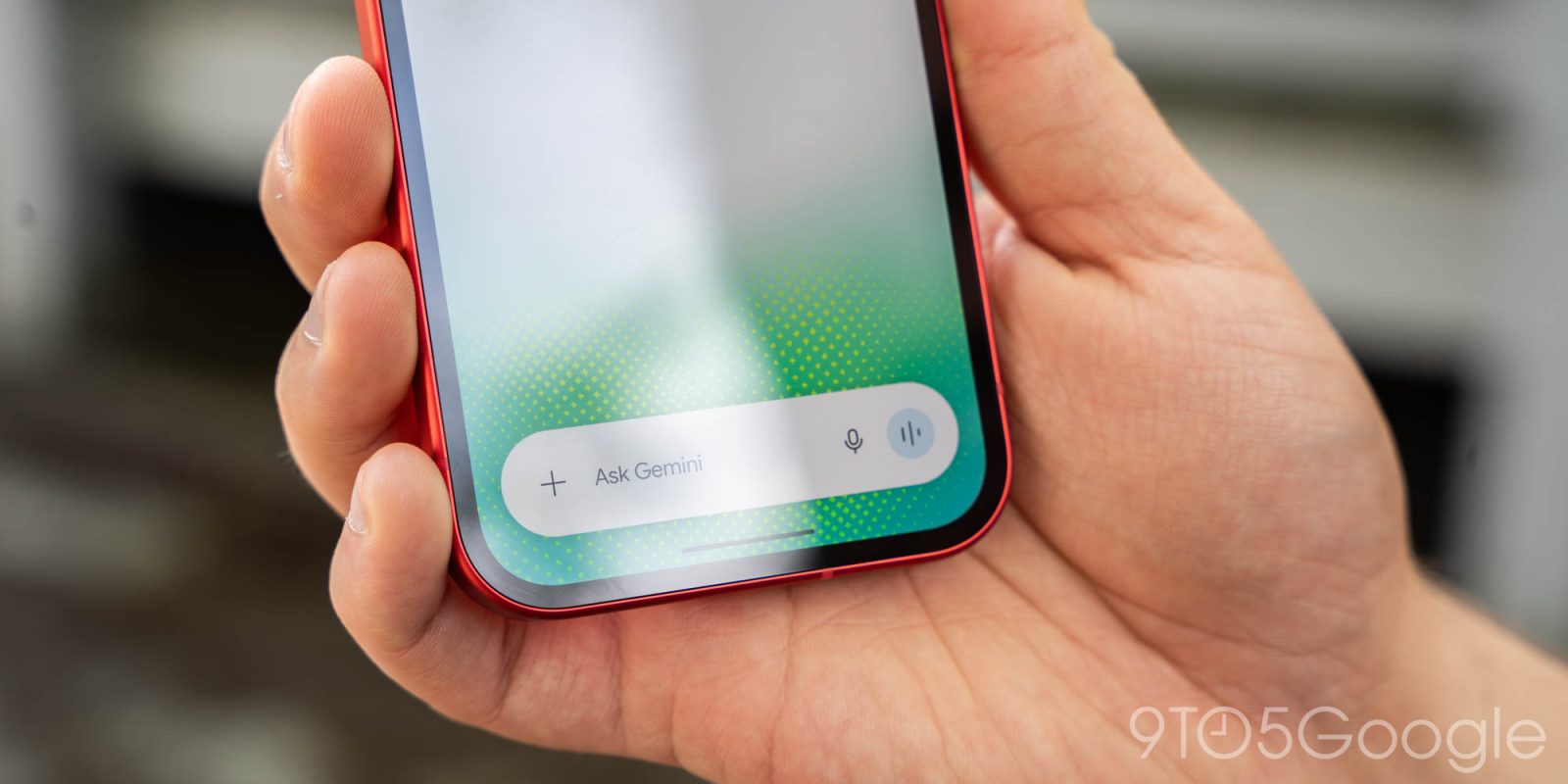
Google has redesigned the in-app camera for the Gemini app on Android, enabling users to quickly add images to prompts.
The camera feature, accessible from the ‘plus’ menu in the prompt box, previously opened a fullscreen viewfinder that was rather generic. This older interface remains in use when launching the camera from the Gemini overlay.
The new design appears inline on the Gemini homepage or within conversations. It launches as a bottom sheet that can be dragged up, featuring a smooth animation that expands to occupy most of the screen.
This nearly edge-to-edge redesign extends behind the system navigation bar, contrasting sharply with the previous layout.
Next to the capture button, a three-dot overflow button animates upon opening, providing options to control the flash and switch to the front-facing camera. A back button is located on the opposite side, or users can simply swipe down to exit.
This camera redesign was first introduced in the Gemini for iOS app and has now been widely rolled out on Android in both the beta and stable (version 17.76+) channels. Users may need to force stop the Google app if the new feature is not visible yet.
This update follows the recent introduction of GIF creation in the Gemini app. Users can select GIF from the Format menu or specify “Create a GIF” in their prompts, with Google positioning this feature as an alternative to searching for existing GIFs.
Google Gemini tweeted, “Say hello to GIFs in Gemini. Say goodbye to searching for the perfect one. From looping photo effects to funny memes, create any GIF you can imagine with our latest video model, Gemini Omni 1.2 Flash, for smooth motion and consistent quality across every frame.” This tweet was posted on November 20, 2026.
Additional updates for the Gemini app include new features for Mac users and the ability to assign tasks for free in six countries.
Source: 9to5Google